Start solo. Add control as the crew grows.

Free for one person, or for a crew of up to 10. Pay when you need more seats, more clients or more control.

  • Prices in CAD
  • Cancel anytime
  • Solo Free and Team Free stay free

Choose how you work.

Save up to 18%

Start with Team Free. Team and Expert are here when the crew needs more.

Daybill Team

The operational workspace for crews with 1 to 20 employees.

$39 / mo

flat · 20 included

Then $1.50 per user monthly

  • Unlimited clients or companies
  • Shift scheduling and dispatch
  • Manager approvals workflow
  • Internal payroll calculations
  • Chat and push notifications
  • Installable mobile PWA

Daybill Expert

Advanced control with 30 employees included.

$99 / mo

flat · 30 included

Then $3.00 per user monthly

Card required. After 14 days, the plan renews at $99 CAD monthly unless canceled. If the trial ends, the workspace returns to Team Free.

  • GPS geofenced clock-in
  • Shift checklists
  • Weekly shift repeats
  • CSV shift import
  • AI roster suggestions
  • All Team features included

Price a crew your size.

Slide to your headcount. Team includes 20 seats and Expert includes 30. Each seat past that is added to the plan price.

8seats

Active and frozen members count, owner included. Pending invitations don’t.

  • Team FreeFree up to 10 seatsLowest at this size
    $0.00/ mo
  • Team8 of 20 seats included
    $39.00/ mo
  • Expert8 of 30 seats included
    $99.00/ mo

At 8 seats, Expert costs $60.00 more a month. It adds geofenced clock-in, shift checklists, weekly repeats and AI roster suggestions.

Estimates in CAD, from the published plan and seat prices.

The same plans for every trade.

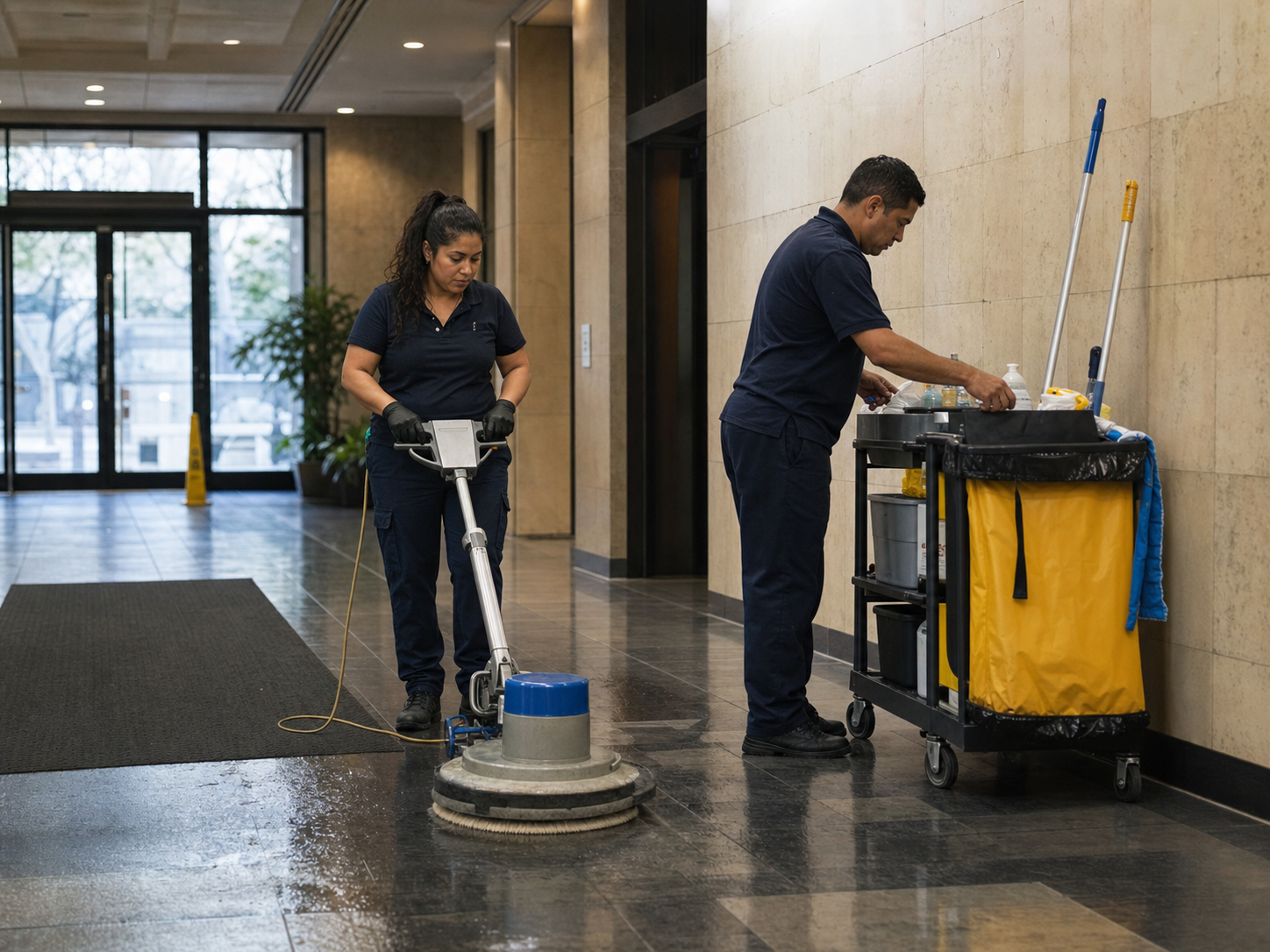
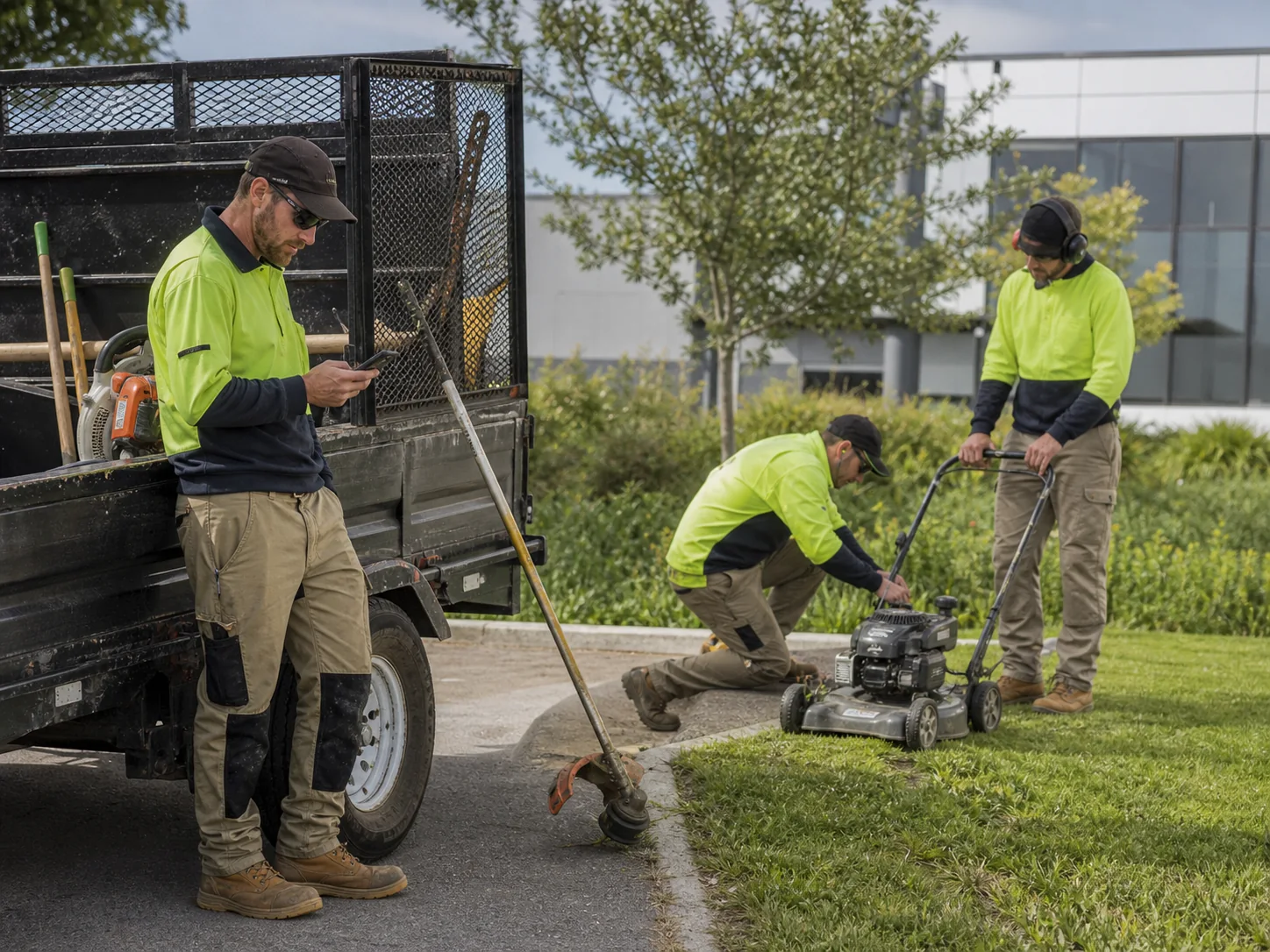
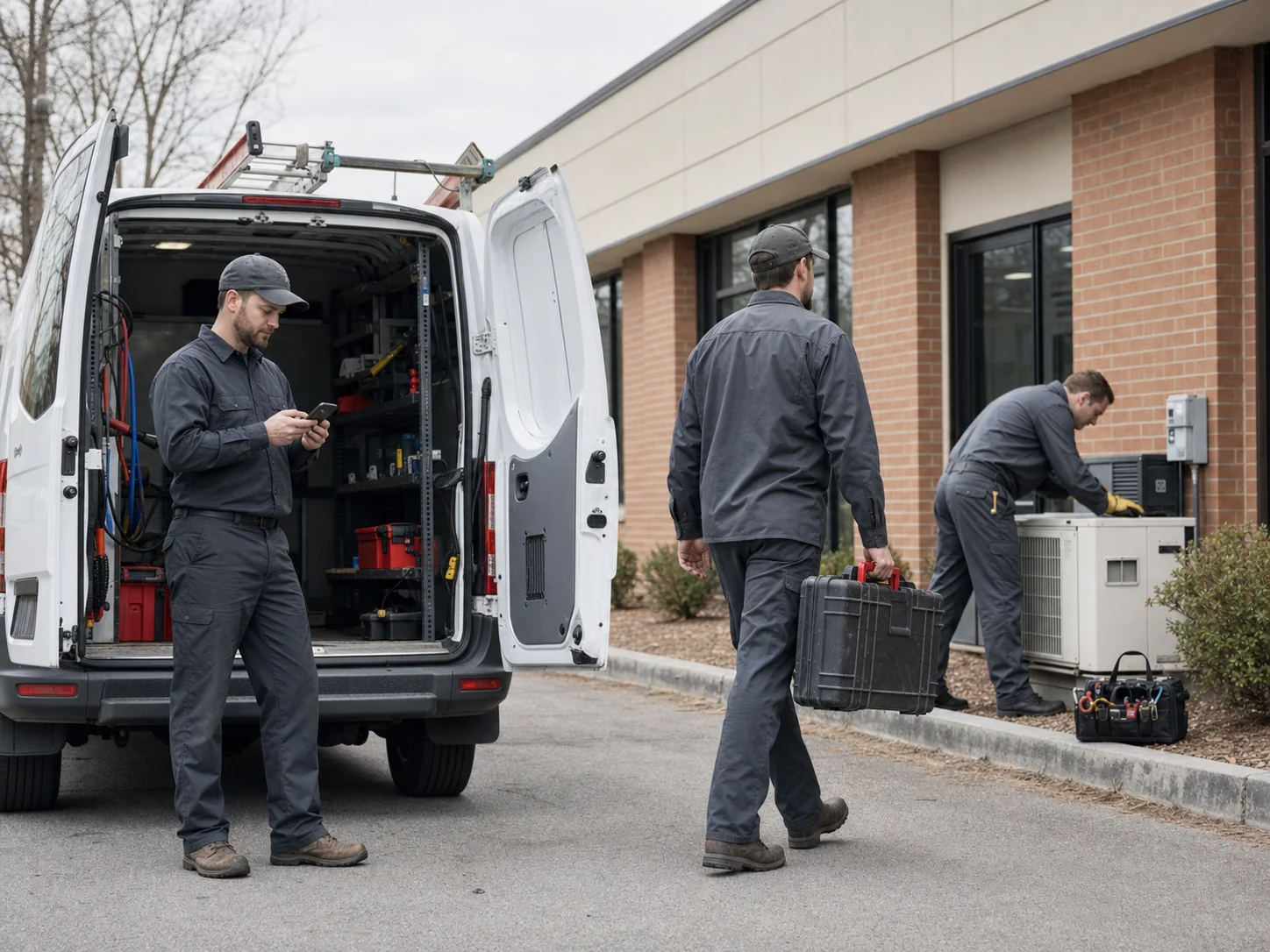
Cleaning, landscaping and maintenance crews track hours, approve them and bill clients the same way.

Commercial cleaning team restoring a lobby
CleaningRecurring sites, mobile capture, and client billing stay connected.
Landscaping crew working together at a client property
LandscapingDispatch the right crew and keep approvals tied to each property.
Maintenance crew reviewing completed work
MaintenanceClose completed work into payroll-ready time and client invoices.

See exactly what each plan includes.

Choose Solo or Crew, then open the areas that matter to your work. Every limit below matches the product.

Team FreeRun a crew of up to ten

Schedule work, approve time, prepare payroll, communicate, and use monthly AI and storage allowances.

TeamRemove operating limits

Include twenty seats, remove monthly AI and storage limits, and add paid seats as the crew grows.

ExpertAdd field control and intelligence

Use geofencing, shift checklists, weekly repeats, AI roster suggestions, and margin intelligence.

CapabilityTeam FreeTeamExpert
Timesheets and earningsRecord work hours and estimate personal earnings.IncludedIncludedIncluded
Professional PDF invoicingCreate PDF invoices from recorded work. In new standard Team invoices, authorized invoice managers can also review readiness for selected unbilled work before reviewing and saving a draft.IncludedIncludedIncluded
Recurring invoice schedulesOpt in per client with an authorized invoice manager and configured billing details. Draft by default; no automatic sending or payment collection. Eligible trial, grace-period and grandfathered access may also qualify.Not includedNot includedIncluded
Fixed-price Project BillingRequires Projects enabled and current financial access in an eligible Team workspace. Authorized admins and Finance Managers can create progress or remaining-balance invoices from agreed prices and approved extras. Paid records payment received.Not includedIncludedIncluded
Payroll-ready exportExport approved time in payroll-ready CSV formats.IncludedIncludedIncluded
Internal payroll preparationCalculate payable hours from approved team time.IncludedIncludedIncluded
Operational insightsReview hours, earnings, and recent work patterns.IncludedIncludedIncluded
Margin intelligenceCompare labor cost with client-facing revenue.Not includedNot includedIncluded
CapabilityTeam FreeTeamExpert
Crew membersInvite and manage workers inside one account.IncludedIncludedIncluded
Manager approvalsReview submitted team time. Authorized reviewers can use dashboard attention to find pending reviews within its stated preview coverage.IncludedIncludedIncluded
Scheduling and dispatchAssign shifts and review recorded job, schedule, location and preparation details. Reading an existing checklist does not change the Expert access required to create shift checklists.IncludedIncludedIncluded
GPS geofenced clock-inLimit clock-in to approved job-site boundaries.Not includedNot includedIncluded
Shift checklistsAttach required tasks to shifts and track their completion.Not includedNot includedIncluded
Weekly shift repeatsCreate weekly repeats from one shift form.Not includedNot includedIncluded
AI roster schedulingGenerate scheduling suggestions from operational requirements.Not includedNot includedIncluded
CapabilityTeam FreeTeamExpert
Smart ScanTurn a photo or document into a draft time entry.25 / monthUnlimitedUnlimited
Daybill AI assistantUse account-aware assistance for team operations.50 / monthUnlimitedUnlimited
Document vaultStore work files and records with the account.500 MBUnlimitedUnlimited
CapabilityTeam FreeTeamExpert
Clients and companiesNumber of client or company records available.Up to 5UnlimitedUnlimited
Included seatsCounted seats included before an overage or hard limit.10 maximum20 included30 included
Additional seatsCost or availability after the included-seat allowance.Not available$1.50 CAD / seat / mo$3.00 CAD / seat / mo

Questions that change the decision.

Current CAD pricing and shipped plan boundaries only.

Yes. Solo Free covers one operator and up to 5 clients or companies. Team Free covers up to 10 counted seats and 5 clients or companies. Neither plan needs a card or has a trial clock.

The Expert trial is optional, lasts 14 days, and requires a card. It renews at $99 CAD monthly or $972 CAD yearly unless canceled before it ends. Your data stays in place if the workspace returns to Team Free.

Yes. Every price on this page is shown in Canadian dollars.

Team Free has a hard limit of 10 counted seats. Team includes 20 accepted seats; Expert includes 30. Additional seats cost $1.50 monthly on Team or $3.00 monthly on Expert.

Yes. Change or cancel from billing at any time; access continues through the paid period.

The product and plan limits stay the same. The displayed monthly equivalent reflects the lower annual rate billed yearly.

Team overages begin after 20 accepted seats at $1.50 per user monthly. Expert overages begin after 30 at $3.00 per user monthly.

Record hours once. Carry them through payroll and invoicing.

Start with the work already happening in the field.