

Field capture
Timesheets, Smart Scan, company context, mobile PWA, and documents.
Keep each field entry attached to the right person, client company, time period, and supporting record.
Capture, schedule, approve, bill, and confirm payment without breaking the record between field and office.
No credit card. Free plan stays free.
Real app, demo data
A crew member clocks in at the job site in Daybill
Capture
The crew clocks in from the job site. Daybill checks the location, starts the timer and ties the hours to that shift and client.
Explore geofenced clock-inSchedule
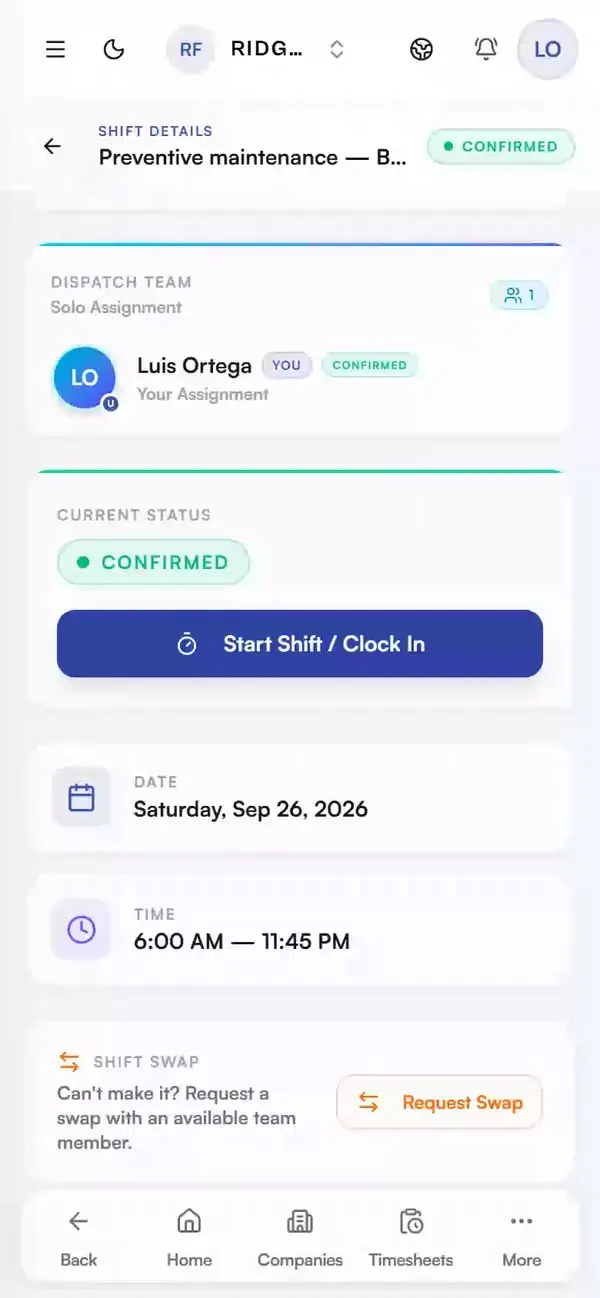
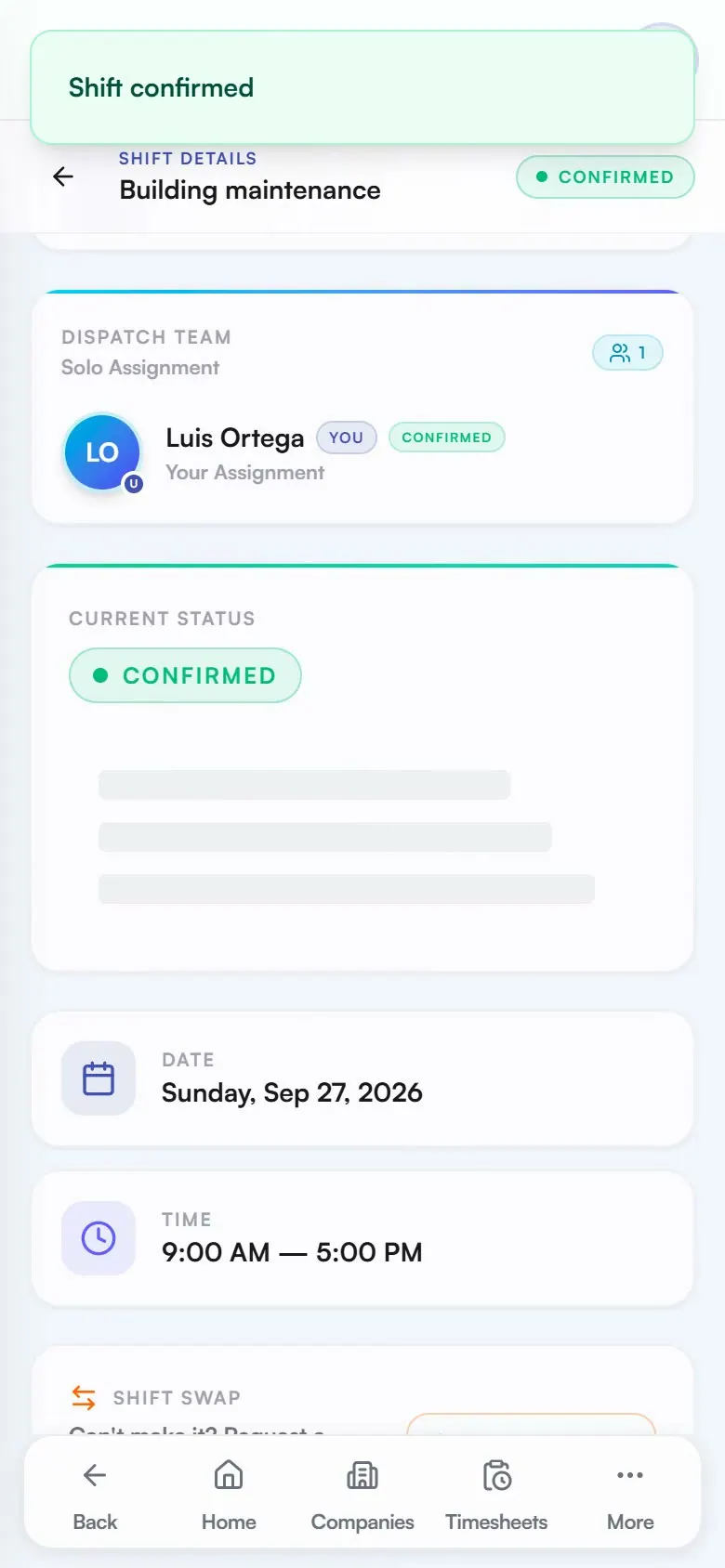
Assign each shift with its site, client and hours. The crew member confirms it on their phone, so the office knows who is coming.
Explore schedulingApprove
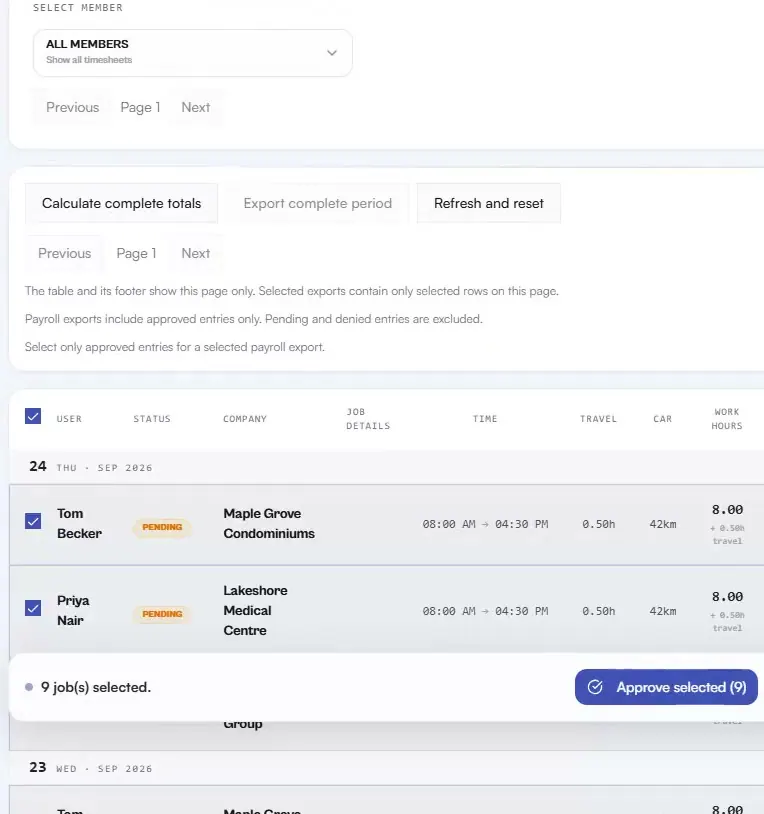
Select the completed entries, check each person’s hours in the confirmation, then approve them together.
Explore payrollBill
Pick the client and the dates. Each day of work becomes a line with its hours and rate, and tax is added to the total. Download the PDF or mark it sent.
Explore invoicingPaid
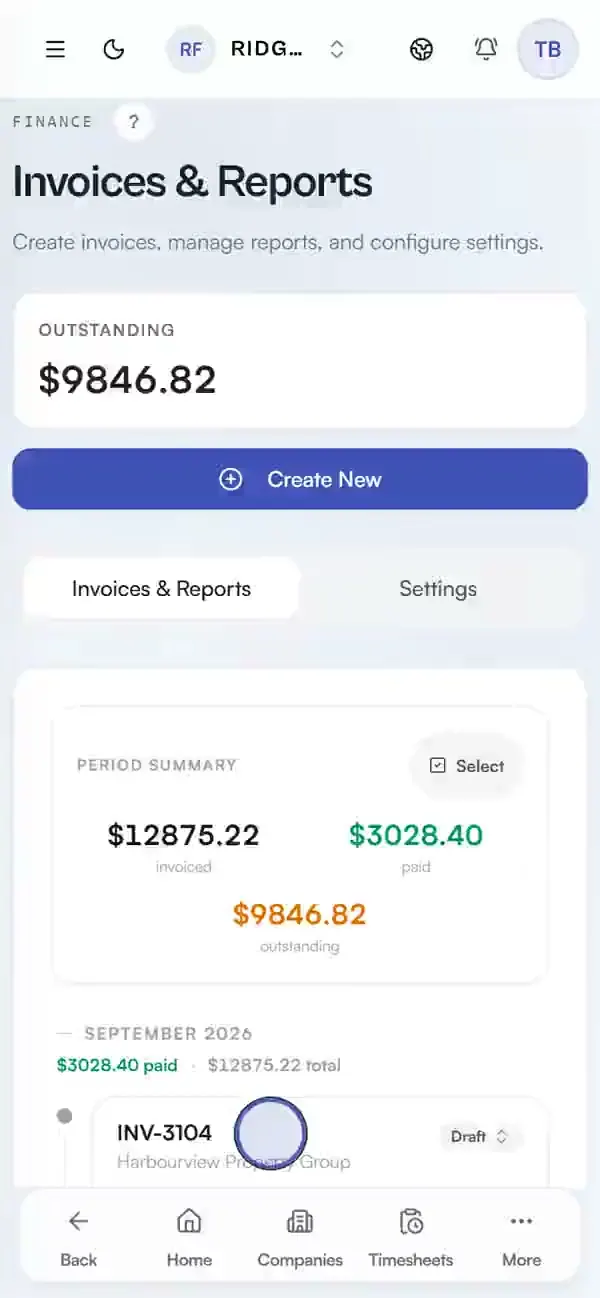
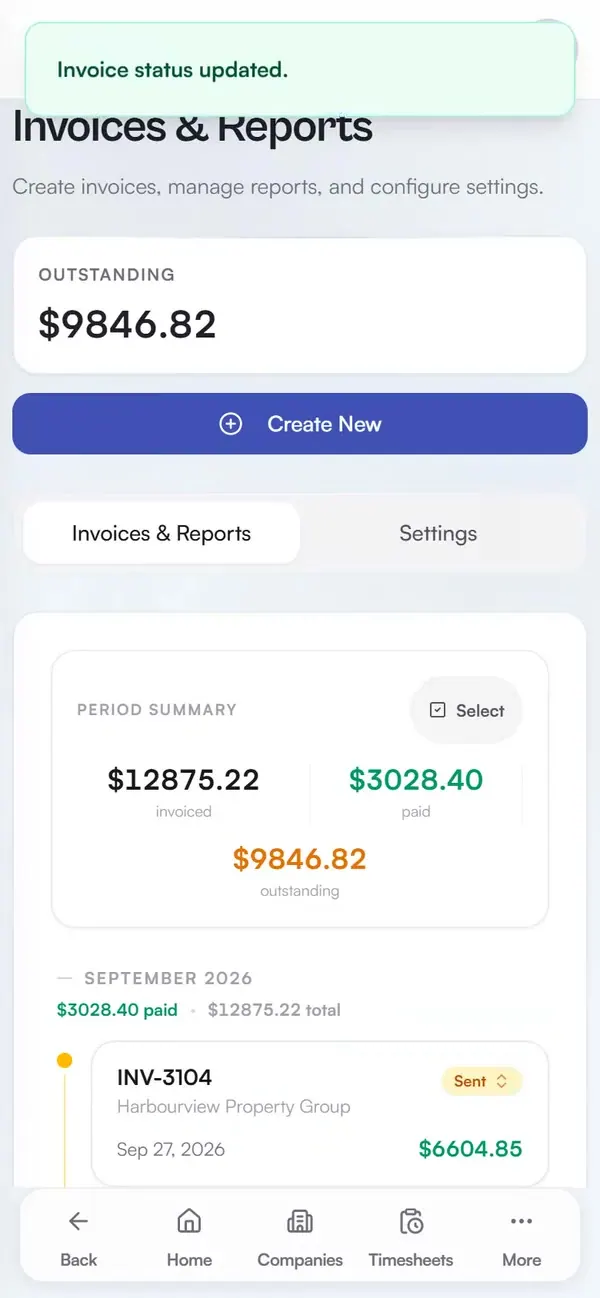
Set the invoice to Paid and the period summary moves that amount from outstanding to paid.
Timesheets, Smart Scan, company context, mobile PWA, and documents.
Keep each field entry attached to the right person, client company, time period, and supporting record.
Scheduling, dispatch, confirmations, approvals, chat, and notices.
Give the field and office one controlled place to coordinate the next shift and clear completed work.
Payroll-ready totals, client invoicing, and margin intelligence.
Carry approved hours into internal payroll preparation and client billing without re-entering the work.
Start free, or compare the control level that fits your crew.