Your day, billed.
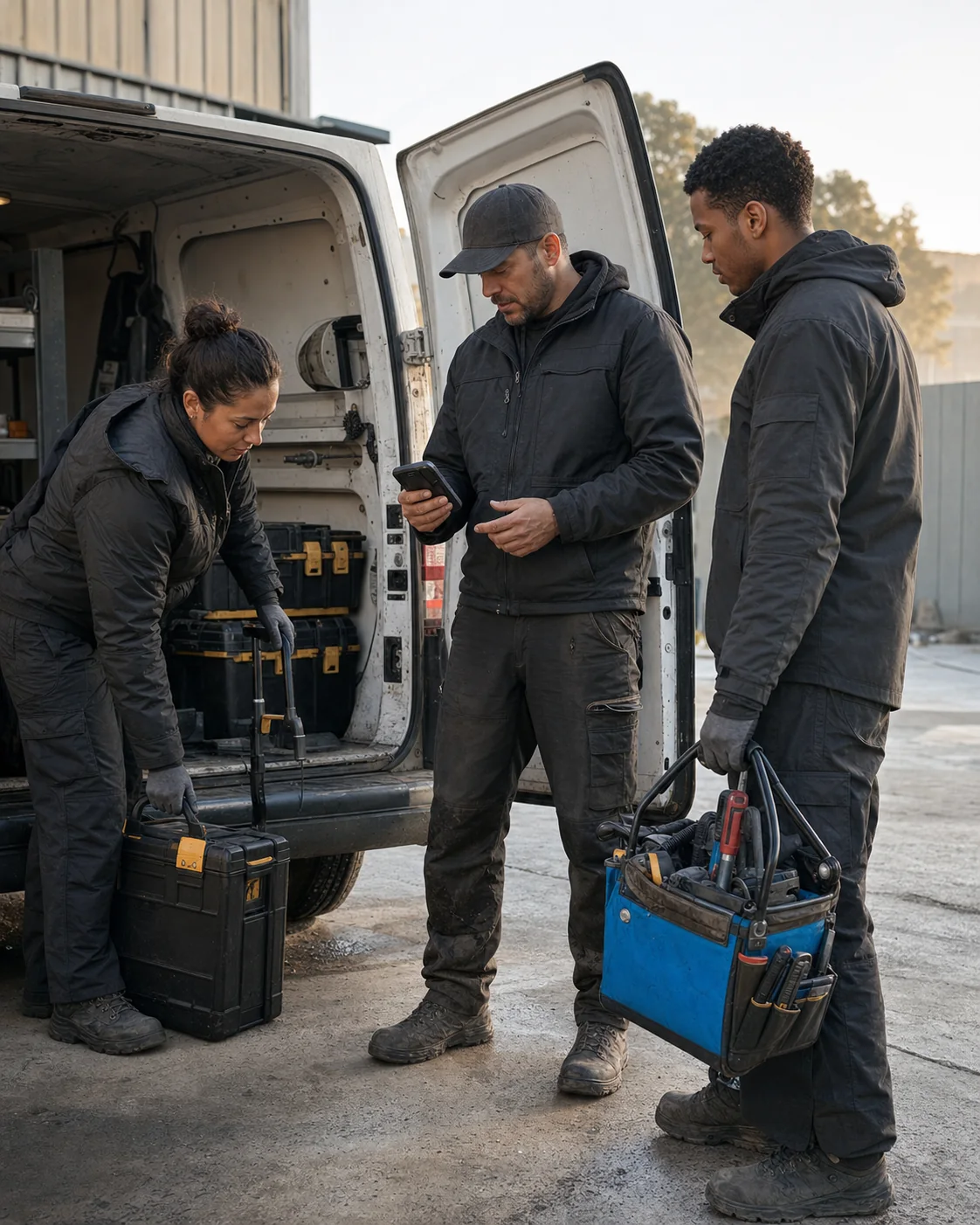
Crews clock in at the job site. You approve the hours, prepare payroll and invoice the client from the same record.
Solo Free and Team Free stay free. No credit card.

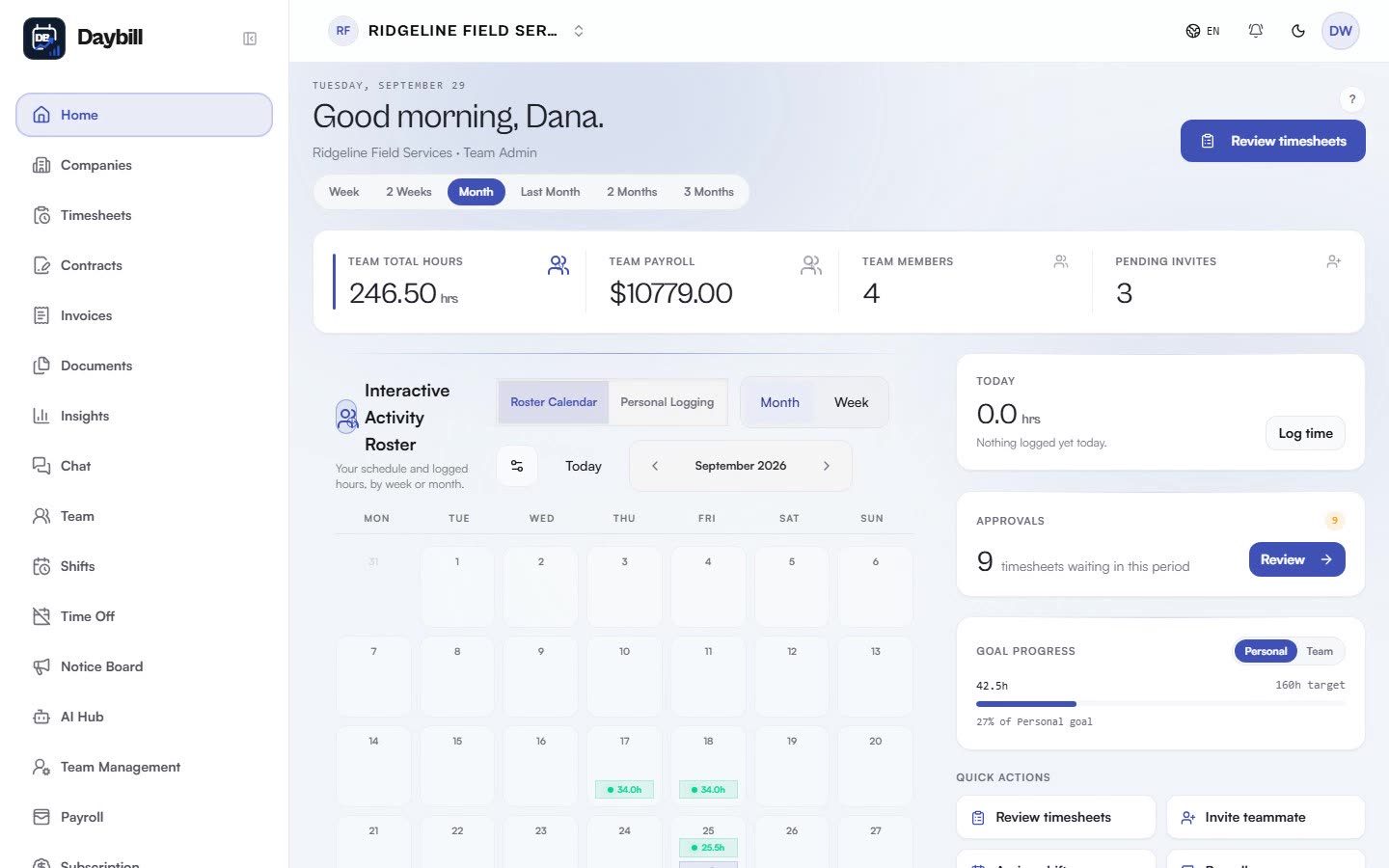
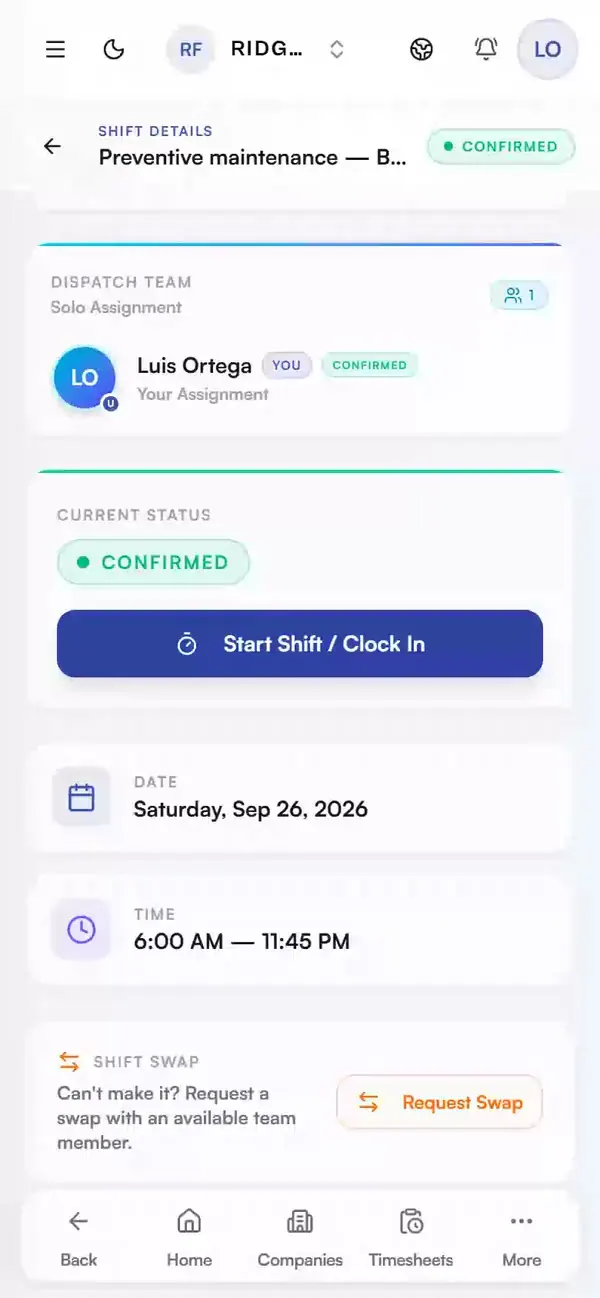
Real app, demo data
One workday, from the first shift to a paid invoice.
Follow one crew from morning to night. Every screen is the Daybill app, recorded on demo data.
6:12 a.m.
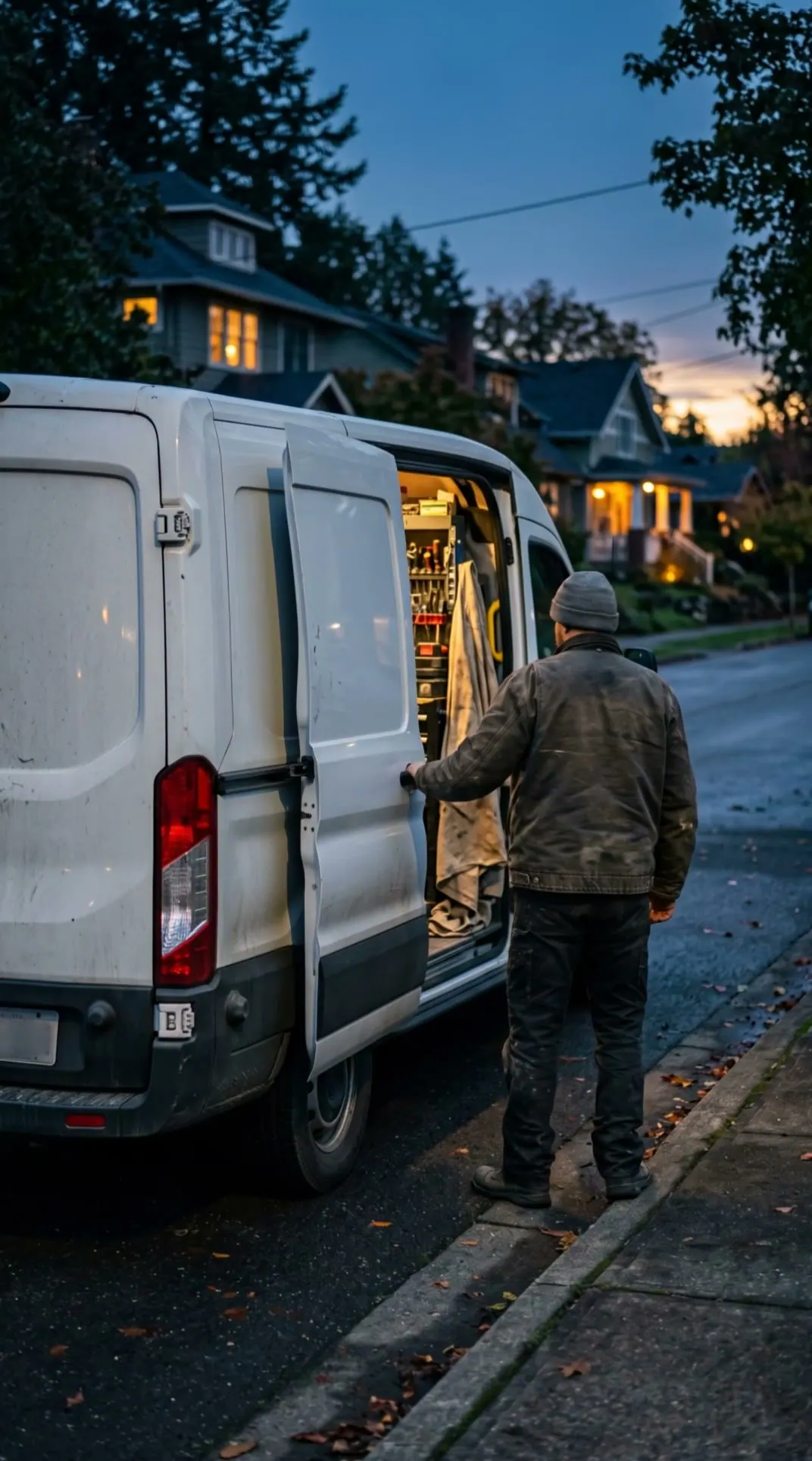
Before the first job
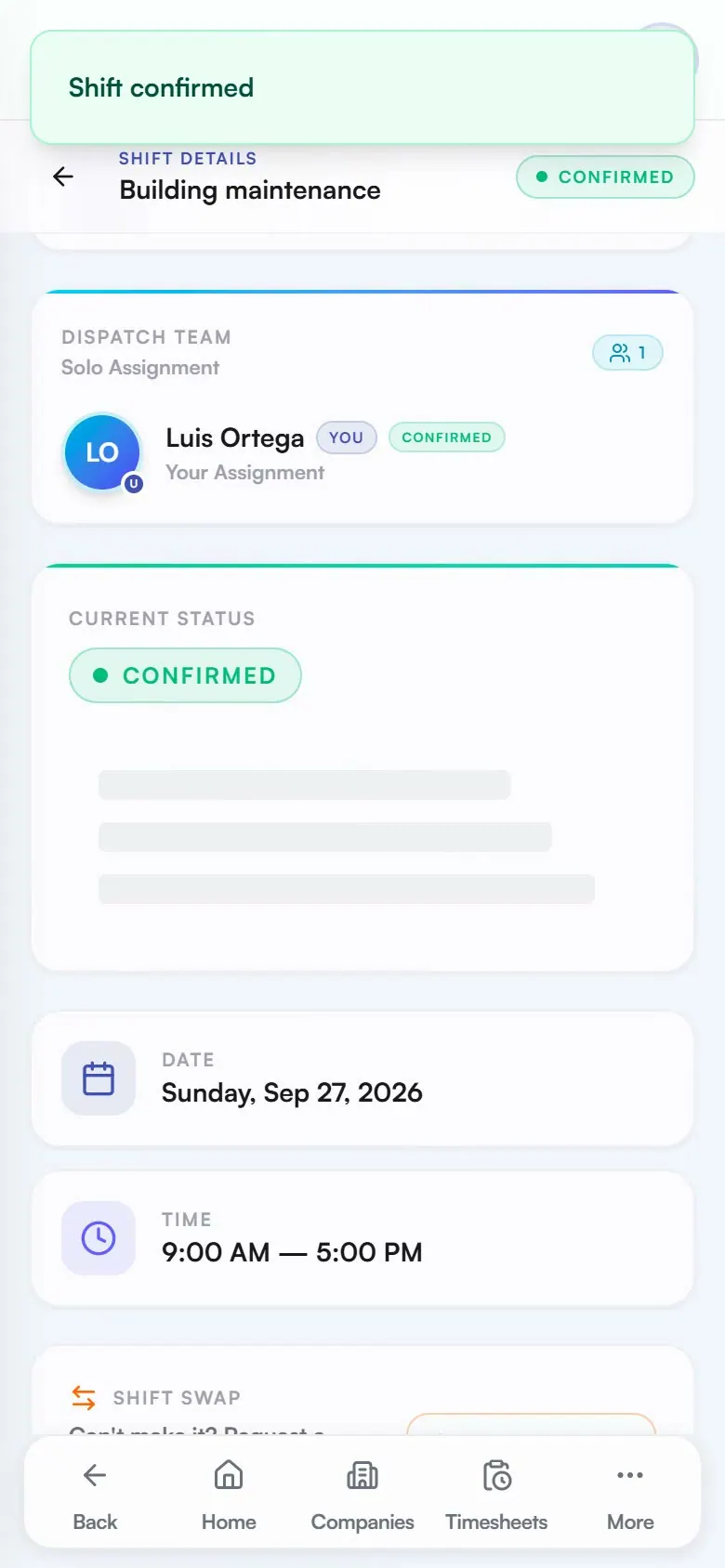
Everyone knows where to be.
The day's shifts are already on every phone. Each person confirms theirs, so you know who is coming before the trucks leave.
See scheduling12:30 p.m.
Midday
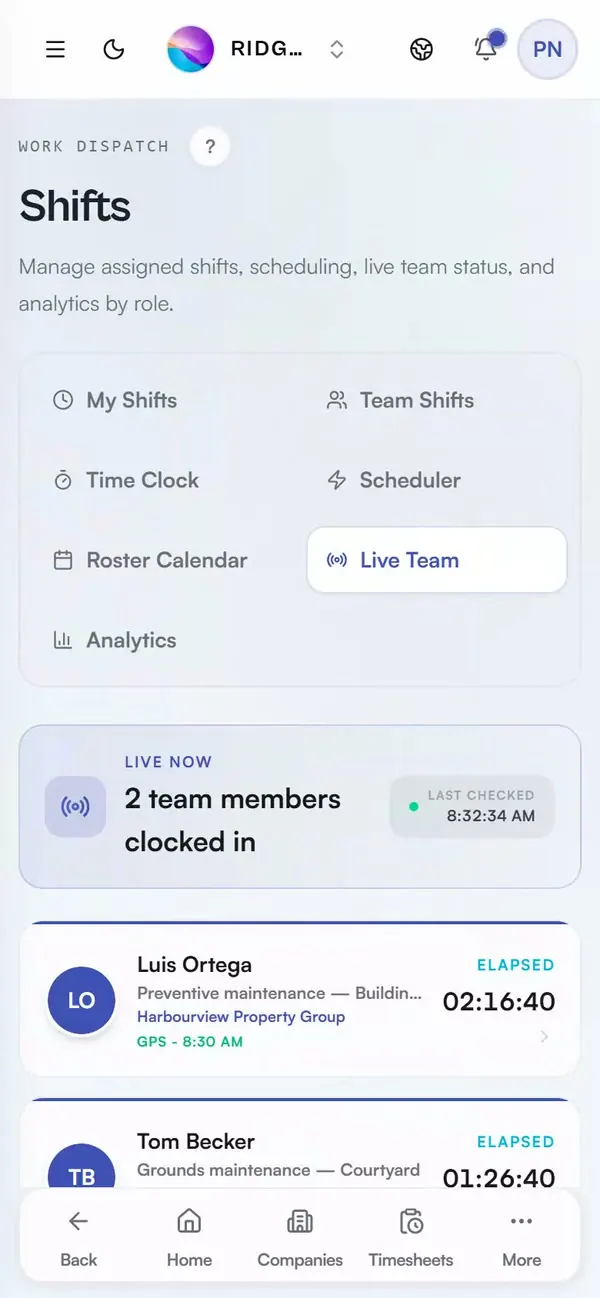
See who is on which job.
Live Team shows who is clocked in, on which job and for how long, without a phone call. On Expert, geofencing keeps clock-ins to the job site.
See time tracking5:40 p.m.
End of the day
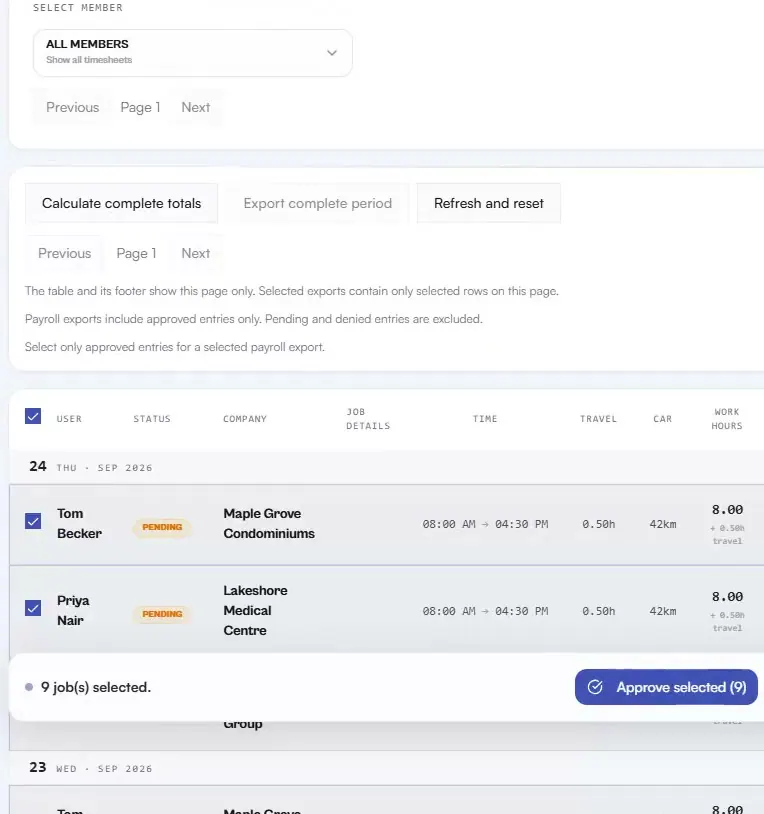
Approve the day's hours together.
Hours land in Team Review with the worker, date, company and hours side by side. Check them, select them and approve them in one go.
See approvals9:05 p.m.
After dinner
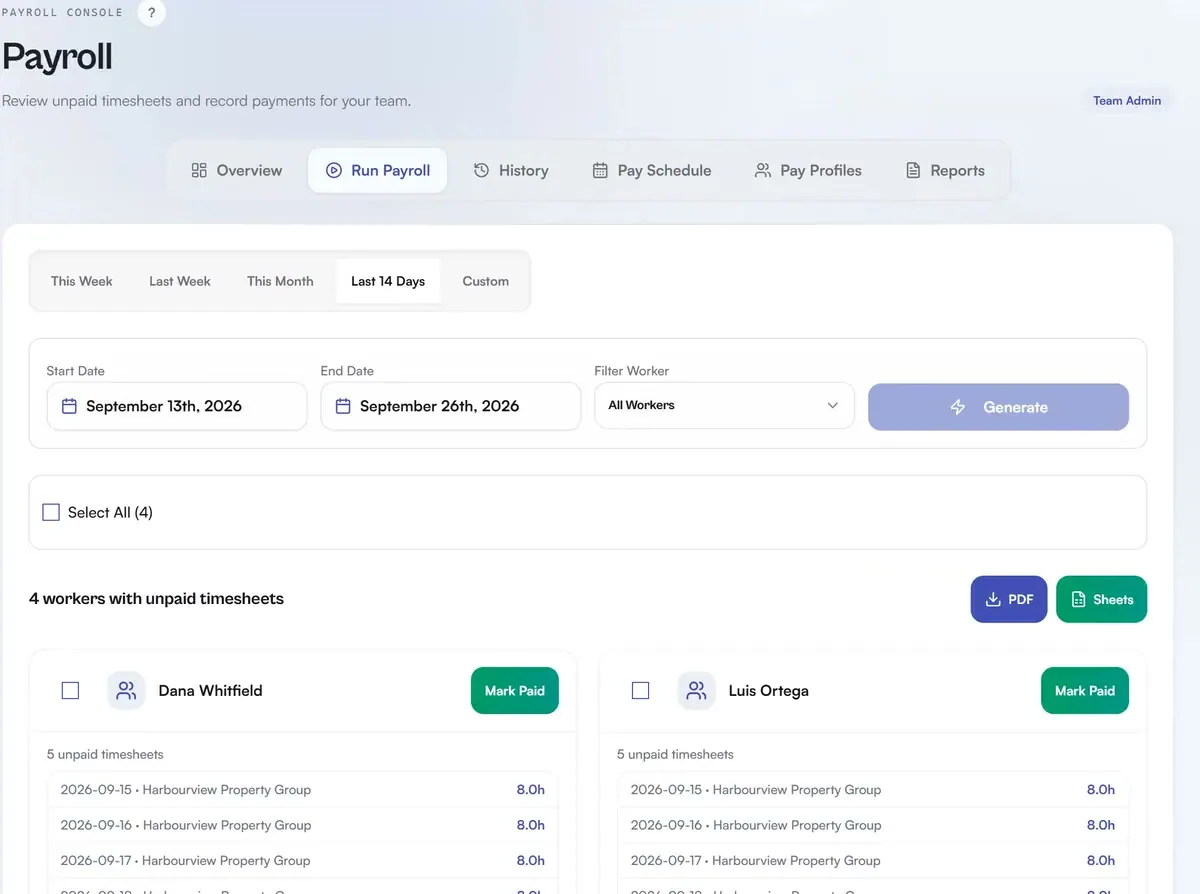
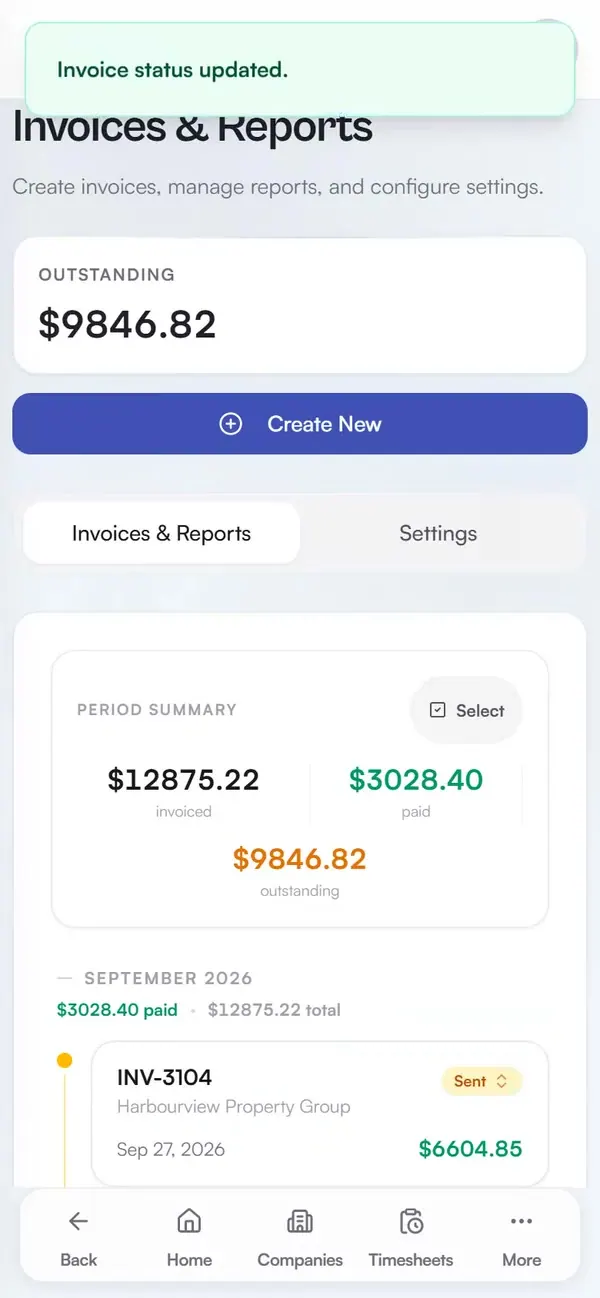
Payroll ready. Invoice paid.
Approved hours become payroll totals, ready to export. The client invoice comes from the same hours, and when the payment lands you mark it paid.
See invoicing
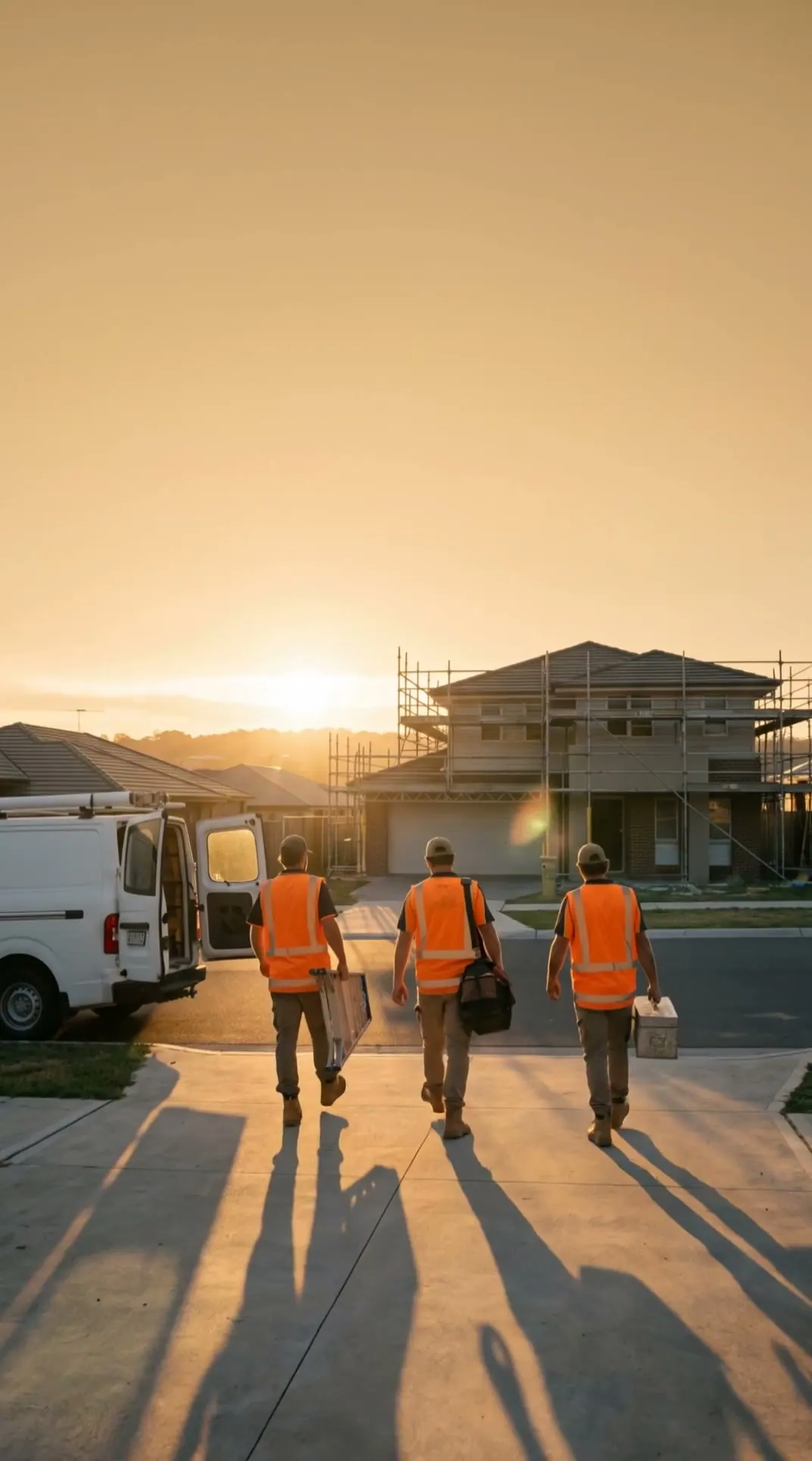
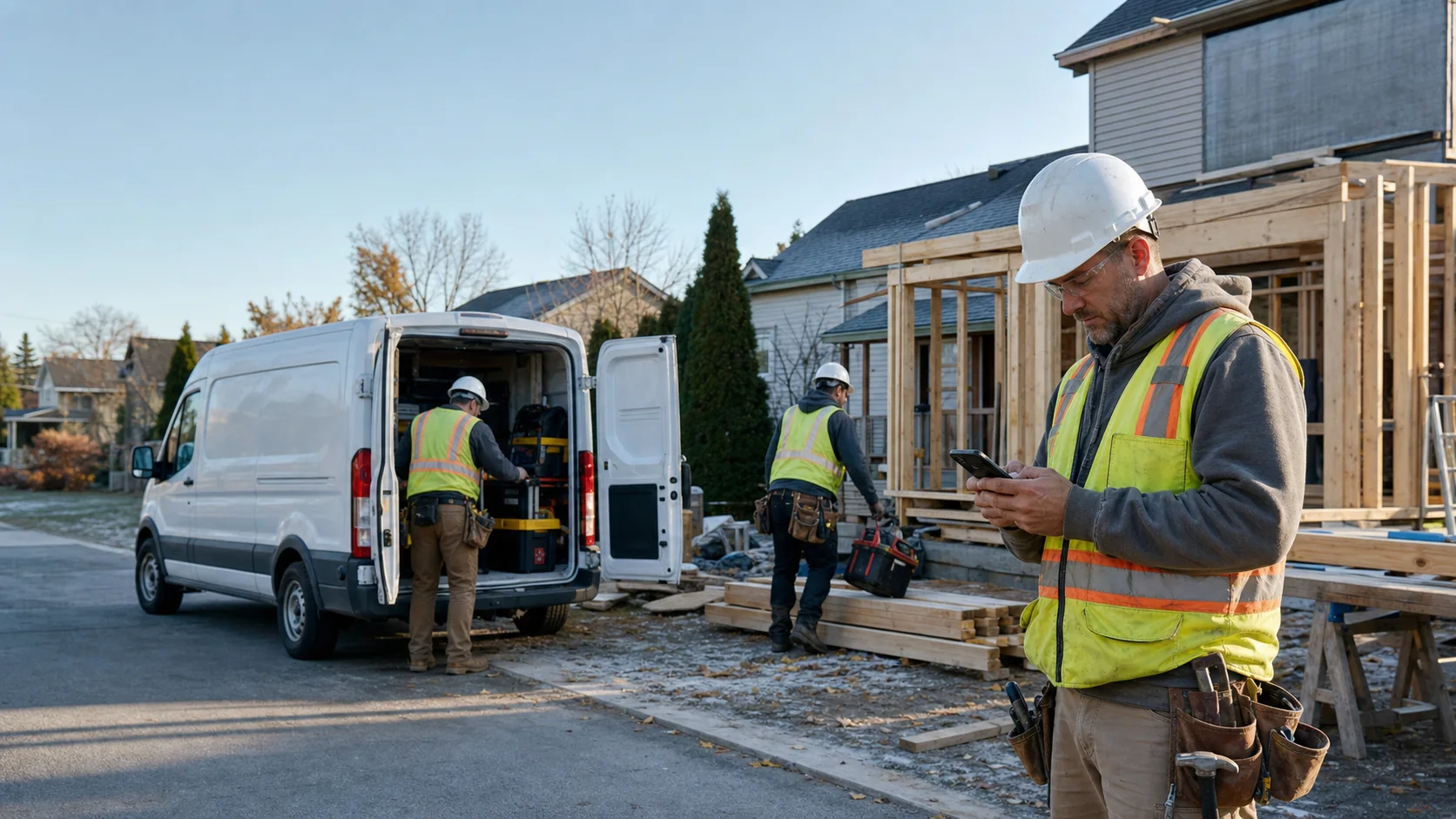

Real app, demo data
Built around the crews doing the work.
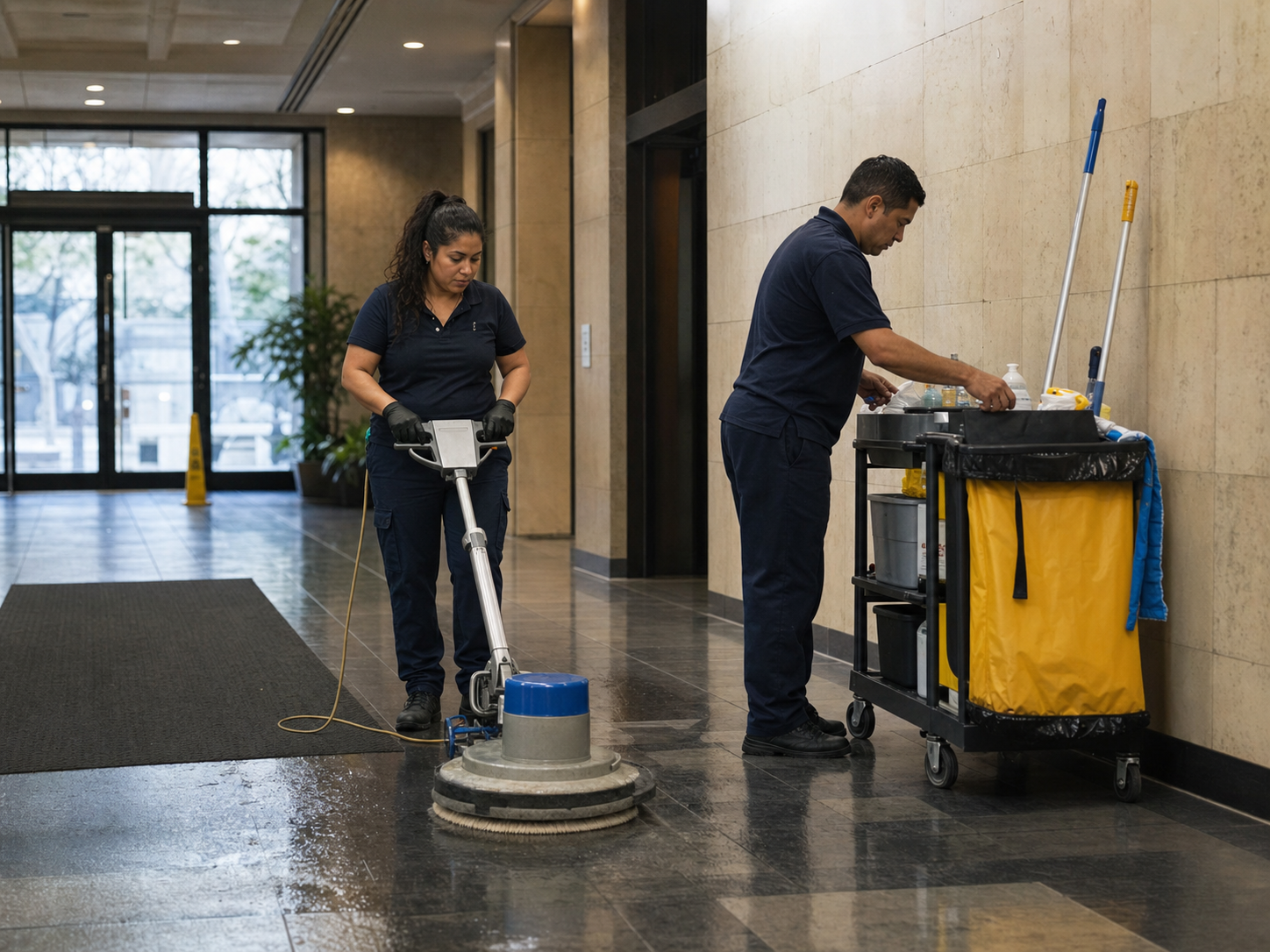
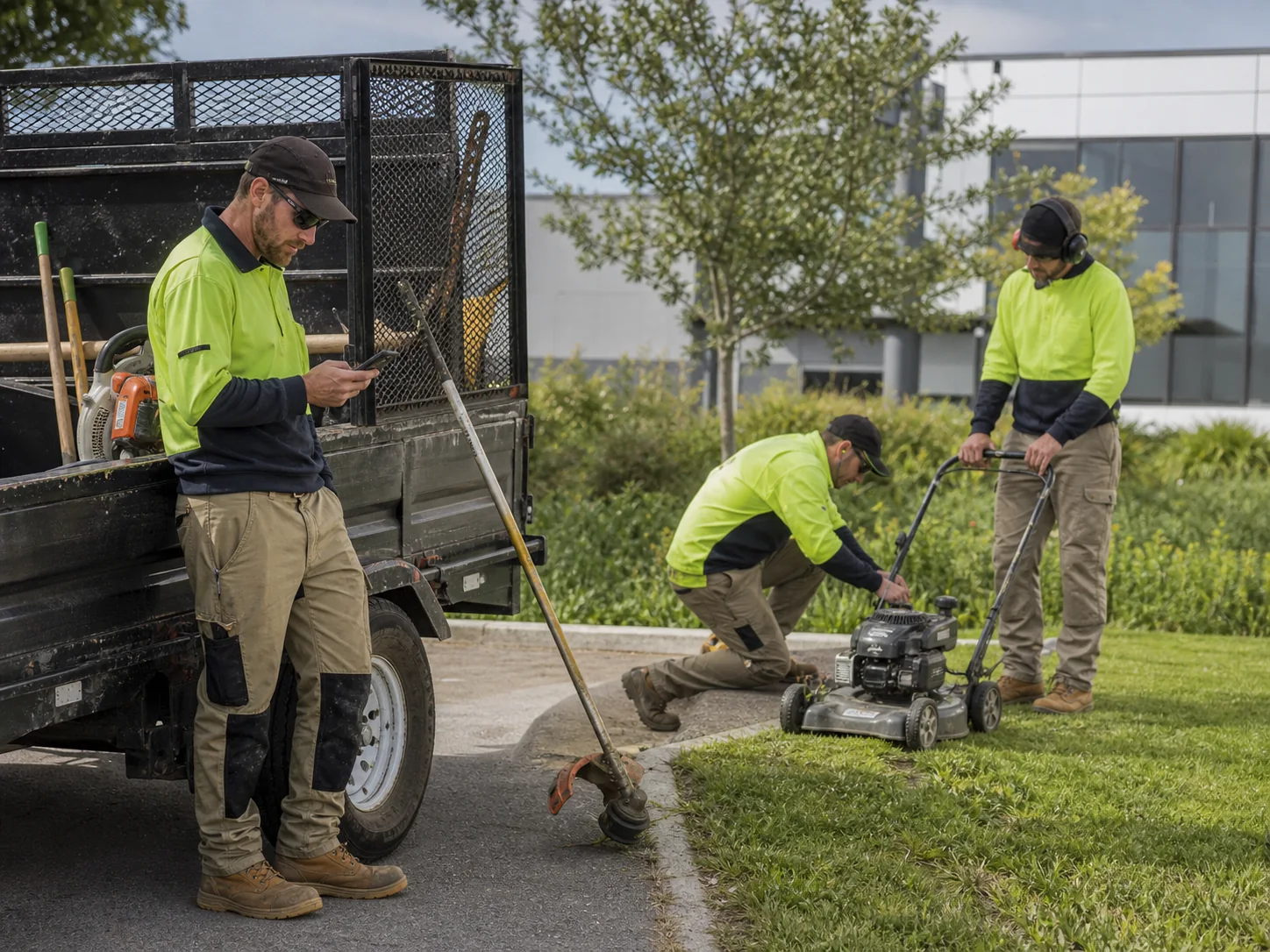
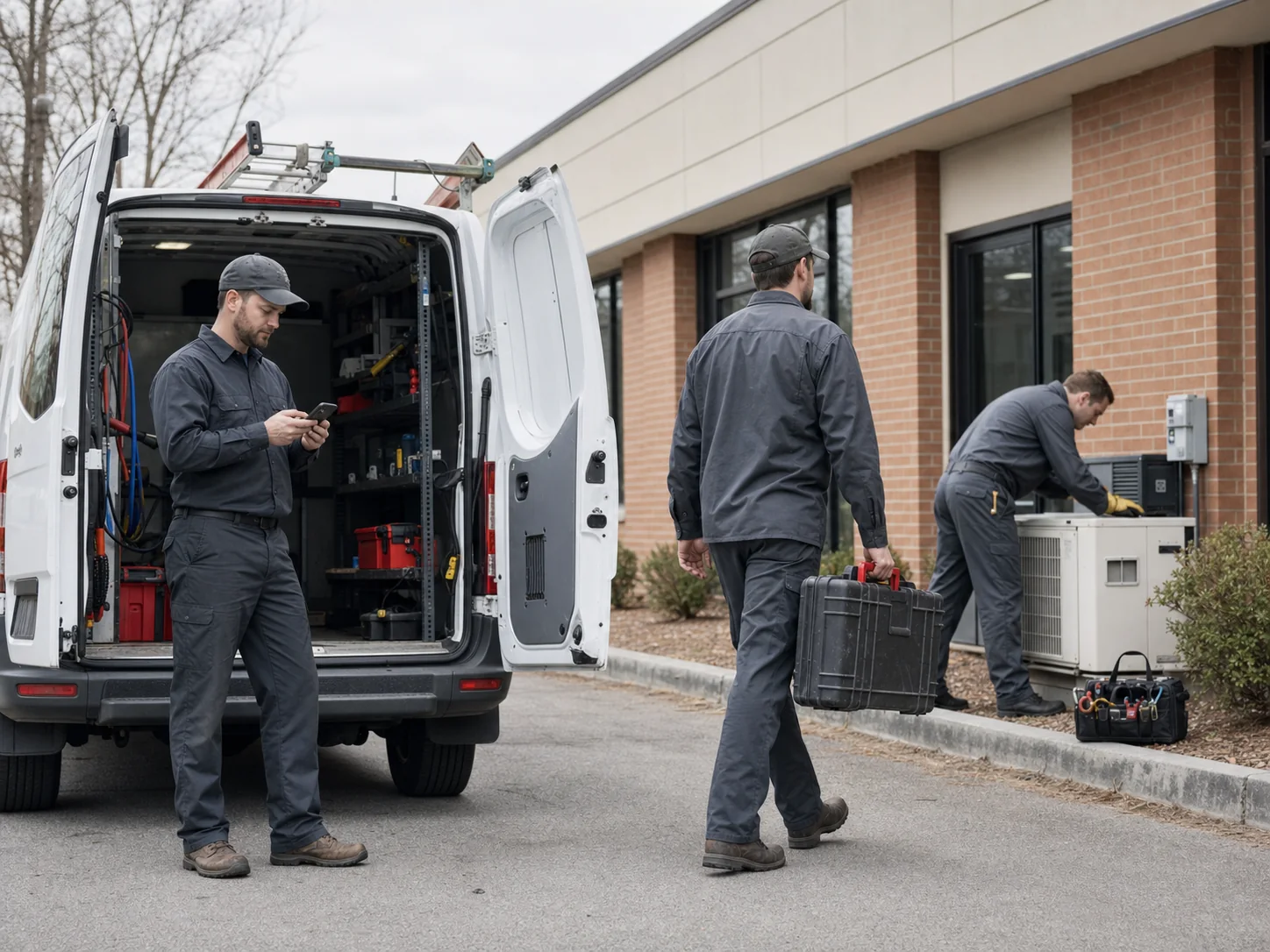
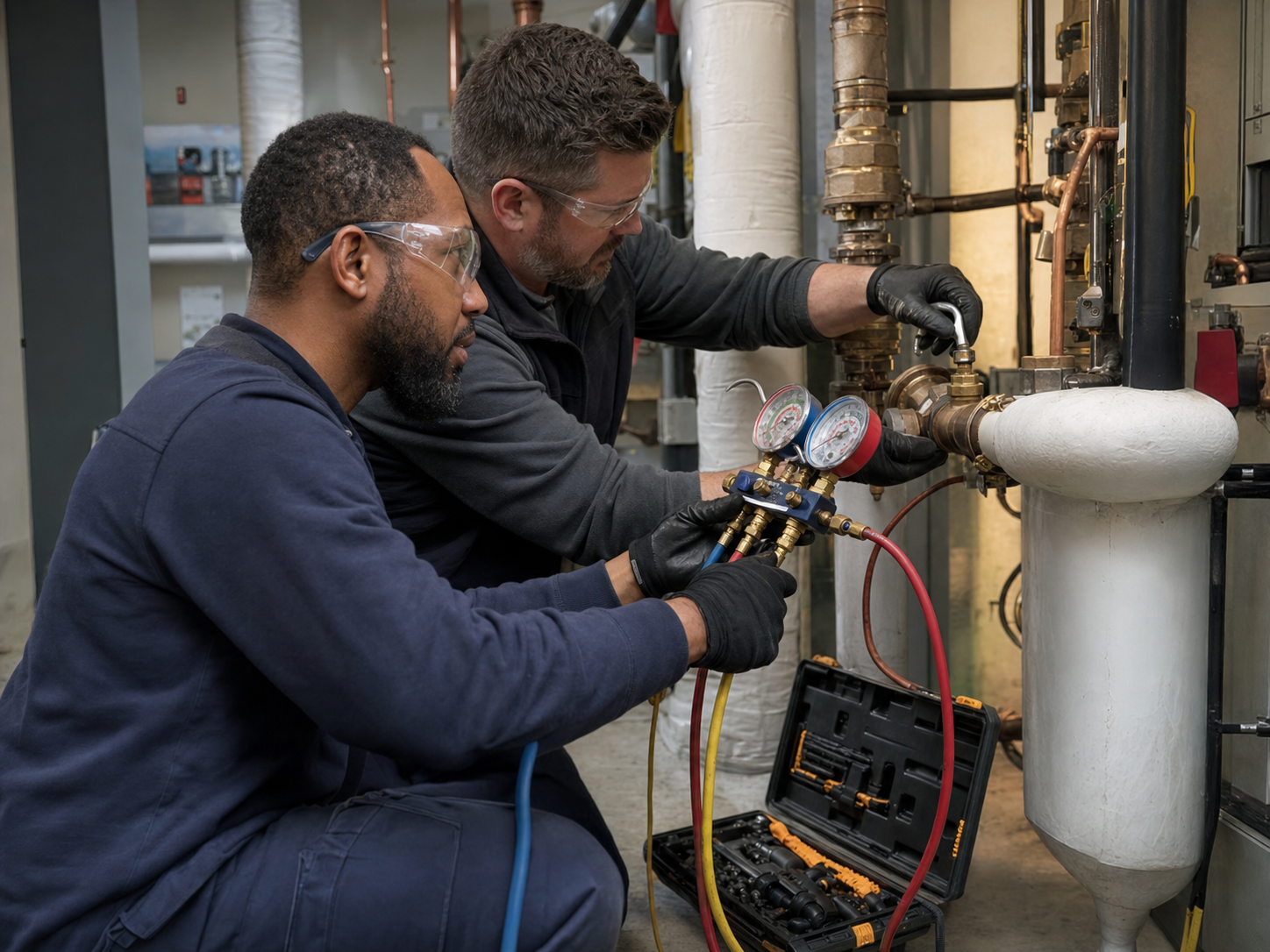
Cleaning, landscaping, maintenance, electrical, and plumbing/HVAC move through different details, but Daybill keeps the operational handoff consistent.

Watch the workday move.
Every loop below is the real product running on demo data. Recorded, not mocked.
See hours, assignments, approvals, and cash movement in one operating view.
One workspace. Three clear lanes.
Personal earnings, team operations, and company billing stay separate without making field crews learn the back office.
Record hours once. Carry them through payroll and invoicing.
Start with the work already happening in the field.
No credit card. Free plan stays free.