Hours tracked where the work happens.
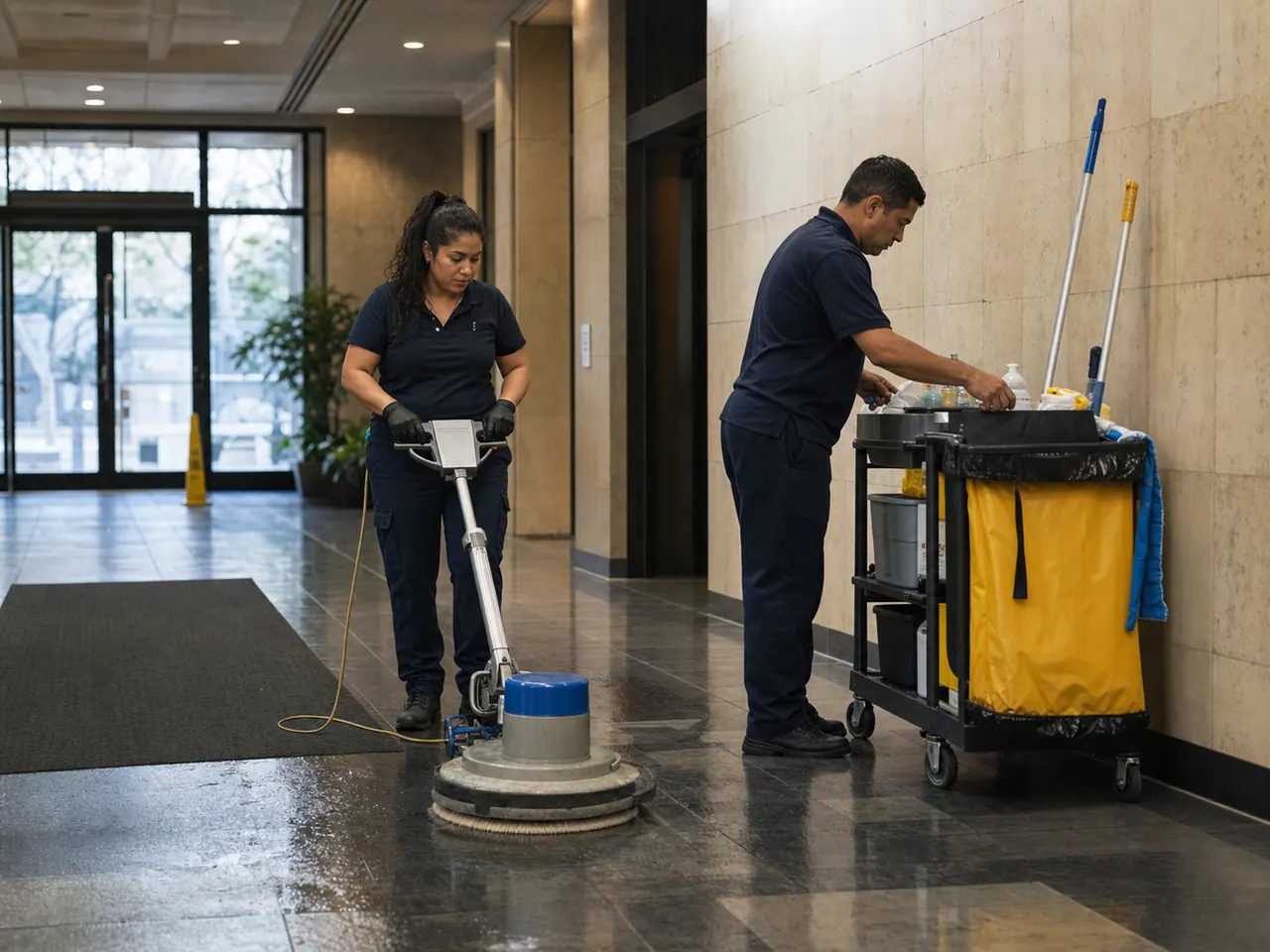
Phone-first timesheets with travel time, kilometres, and per-company break rules built in. Logged on site, ready for approval before the drive home.
No credit card. Free plan stays free.
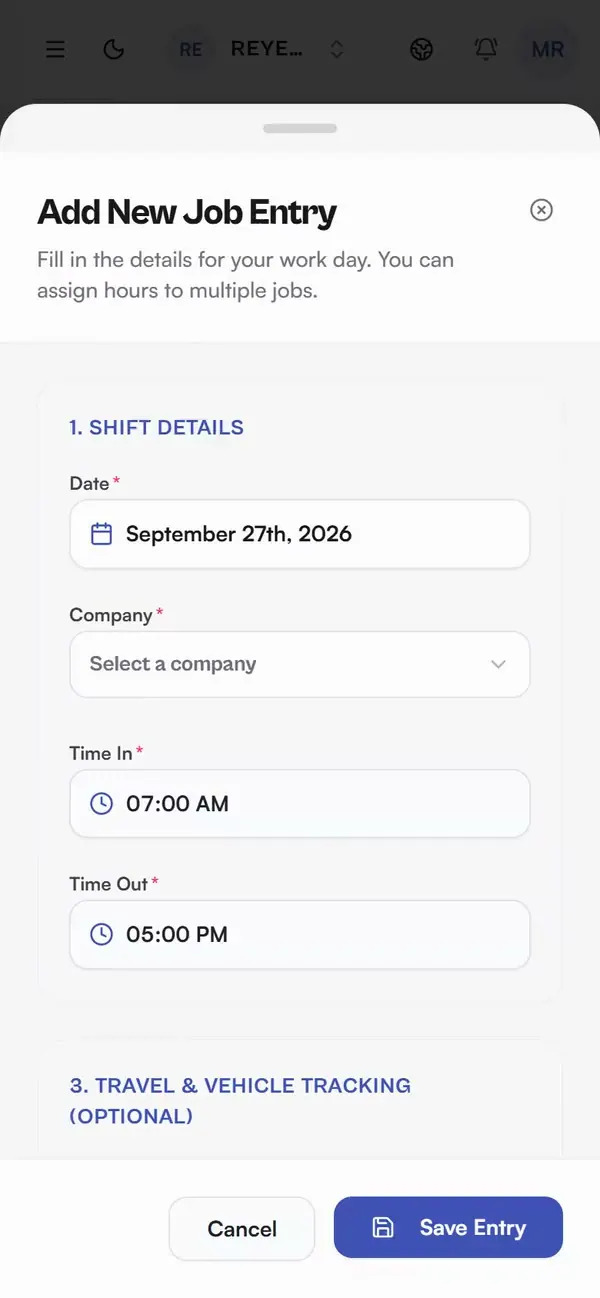
Real app, demo data
Log the day between jobs
Time in, time out, job type, done. Designed for gloves-off moments between jobs, not desk sessions.
Travel and kilometres included
Travel time and distance ride along on the same entry with their own rates, so nothing gets reconstructed later.
Break rules per company
Every company keeps its own break-deduction rule and job types. The math follows the company, not a global setting.
Smart Scan for paper days
Photograph a paper timesheet and Smart Scan drafts the entry for you: 25 scans a month on Team Free, unlimited on Team and Expert, and included on Solo Pro.
Three field problems, solved by one record
Workers log hours on site before the drive home. They tap in, tap out, choose the job, and save instead of rebuilding the week from memory or a glovebox of paper on Friday. On Solo Pro and up, Smart Scan drafts the entry from a photographed paper timesheet.
See the timesheet scannerHow it works in practice: a field day, logged before the drive home
Follow a worker through one day, tap by tap:
1. First job. Between site and truck, they open Daybill, tap time in, then time out, pick the job type, and save.
2. Travel. The 34 km drive to the second company and the travel time stay on that entry, each with its own rate. Nobody has to rebuild the trip from memory later.
3. Second company. A separate entry, tied to its own company record and its own job types and rates. Multi-company all day, no mixing.
4. Compute. That company's break rule, 30 minutes off any day over 8 hours, is deducted automatically when Daybill totals the day.
In Team workspaces, authorized reviewers can expand Operations attention on the dashboard to find pending timesheet reviews and shift-attendance follow-ups. Each preview explains which records it covers and links to the existing review screens.
What operators ask before they switch.
What goes into logging a day?
Date, company, time in, time out and the job. Travel time and kilometres ride along on the same entry, and the company break rule applies when Daybill totals the day.
Do breaks come off automatically?
Yes. Each company carries its own break-deduction rule (for example: 30 minutes off any day over 8 hours), and Daybill applies it when it computes the day.
Can I track hours for more than one company?
Yes. The free Solo plan covers up to 5 clients or companies, Solo Pro covers 20, and Team plans are unlimited. Every entry stays tied to its company and rate.
Can my crew see each other's hours?
No. Visibility follows workspace roles: members see their own work, while Team Admins and managers review the crew through the approvals view.
Run your next week on Daybill.
Manual timesheets are free forever on Solo Operator (CAD $0/mo, up to 5 companies). Solo Pro (CAD $14.99/mo, or $12.99/mo billed $155.88/yr) lifts you to 20 clients and adds the Smart Scan entry add-on; Team (CAD $39/mo flat, 20 users) and Expert (CAD $99/mo) give unlimited clients.
See how these features connect across the field crew management platform .